
Introduction
If you offer different size options for each artwork product we recommend using size variants. If you only offer one size for each product you may prefer to use a metafield to set the artwork size. Follow the steps below to create the “artwork.size” metafield for your store and set it for a product.1. Create the metafield definition
On a product page in the Shopify admin, scroll down to the “Metafields” section and click “View all”.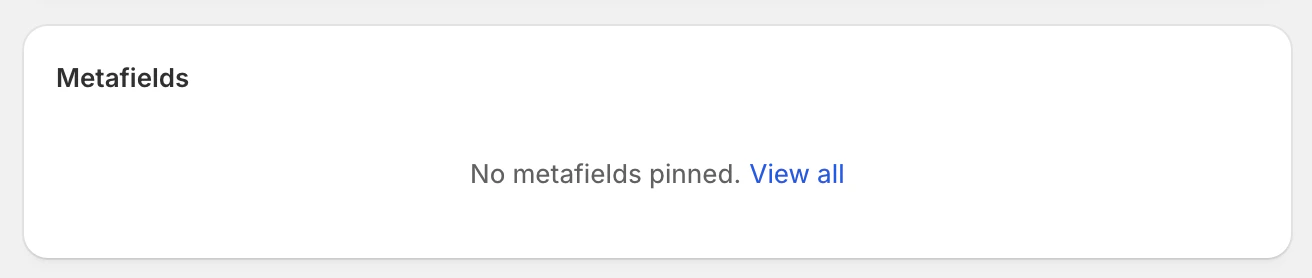
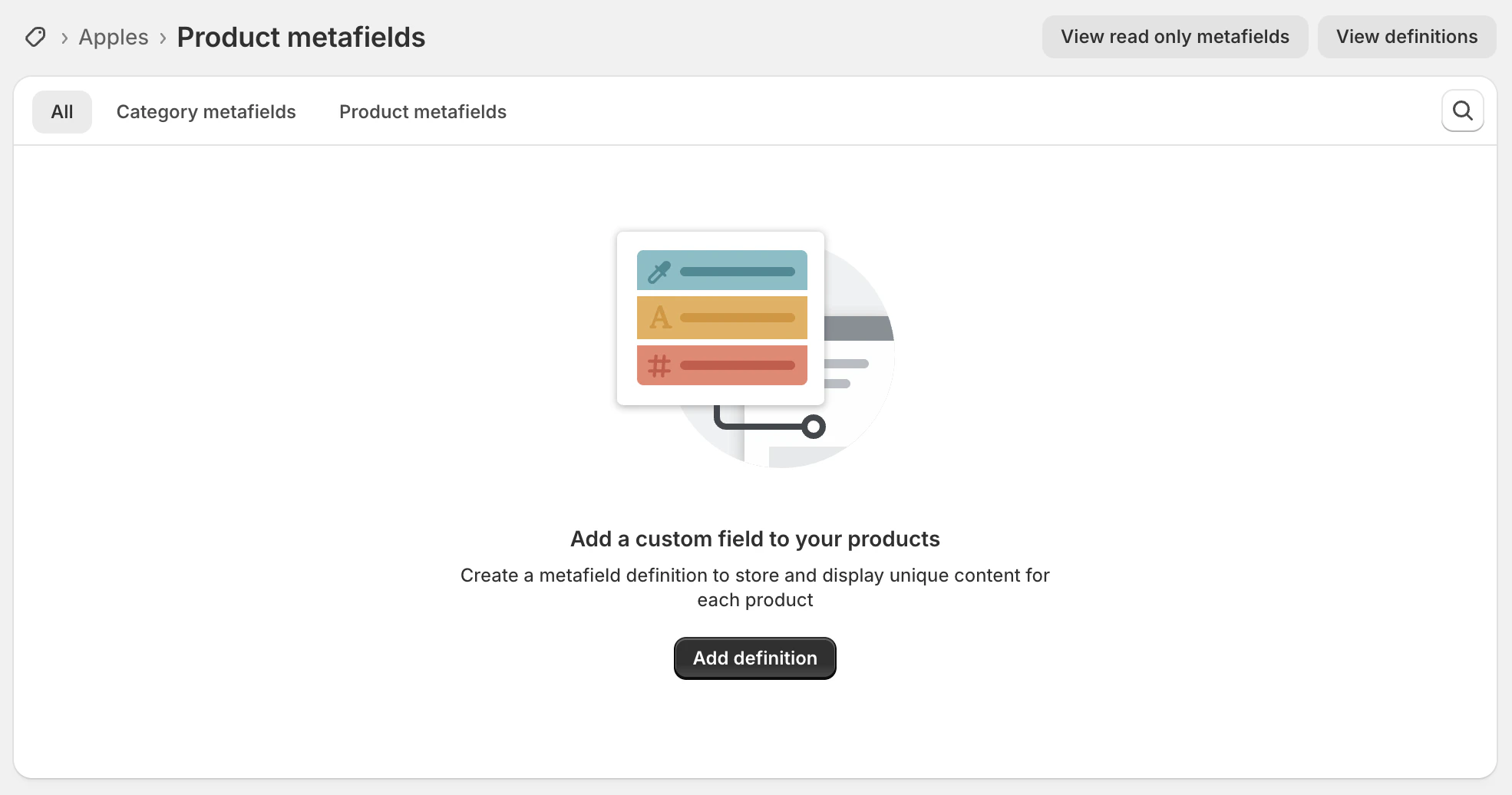
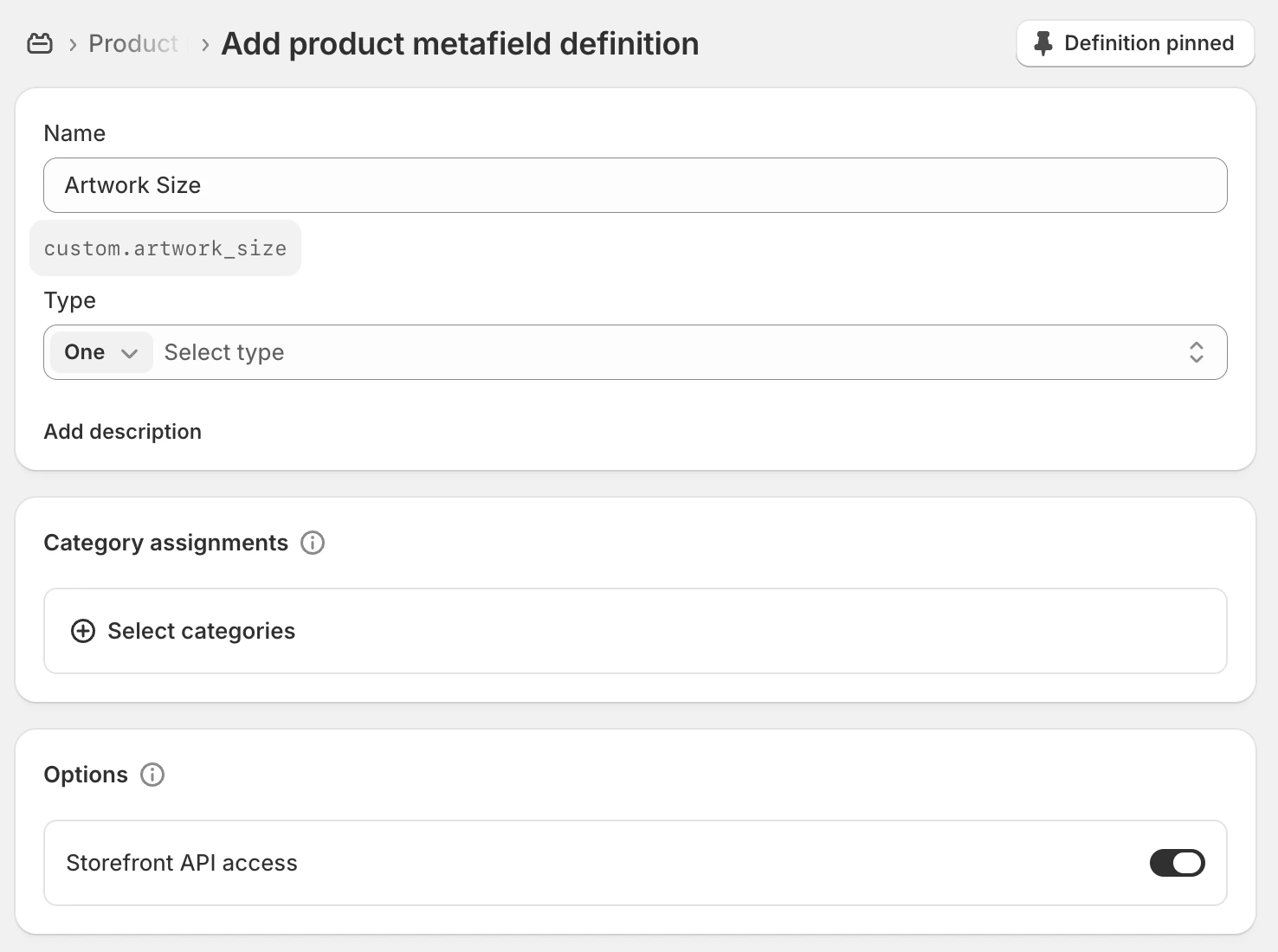
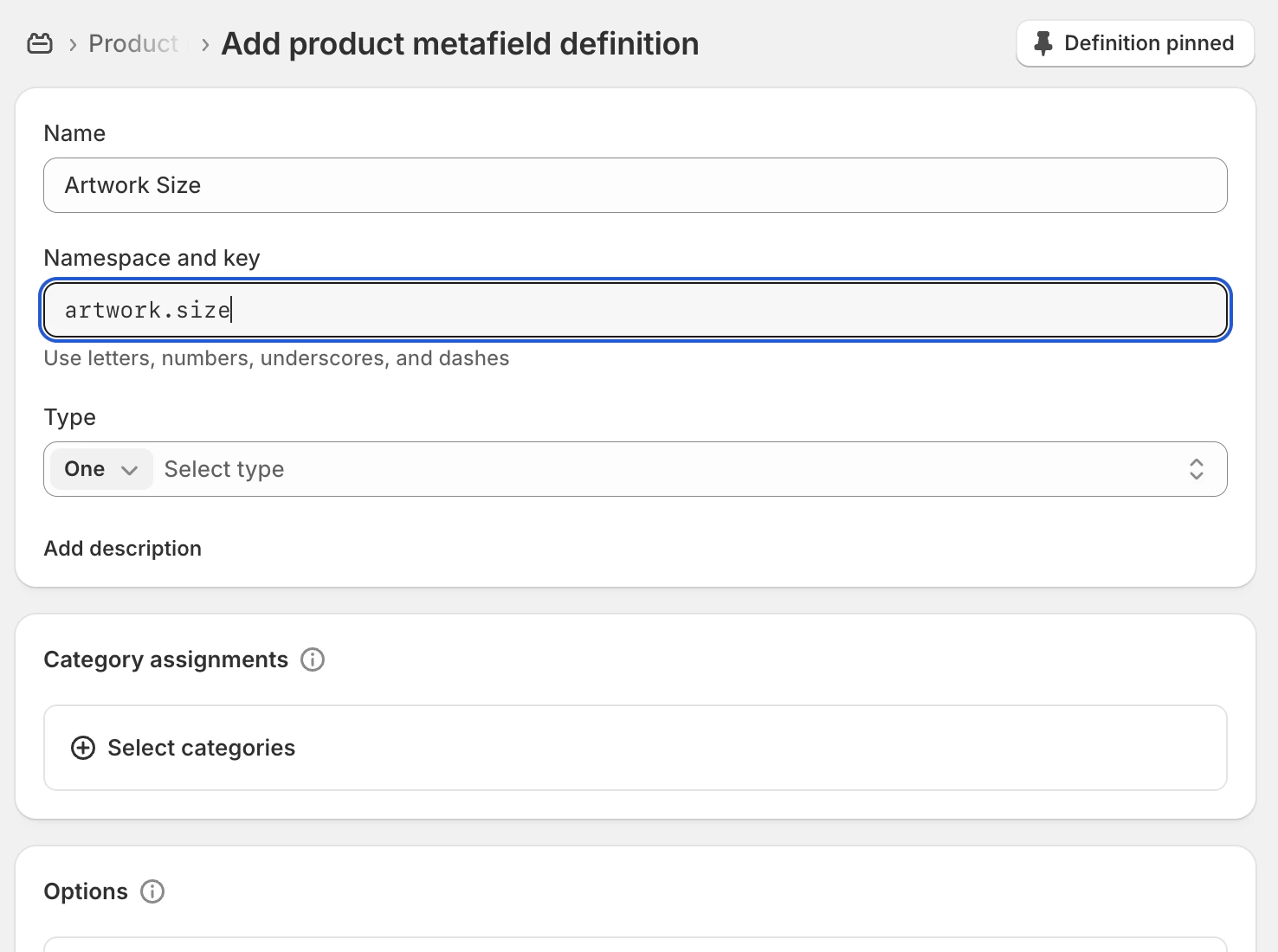
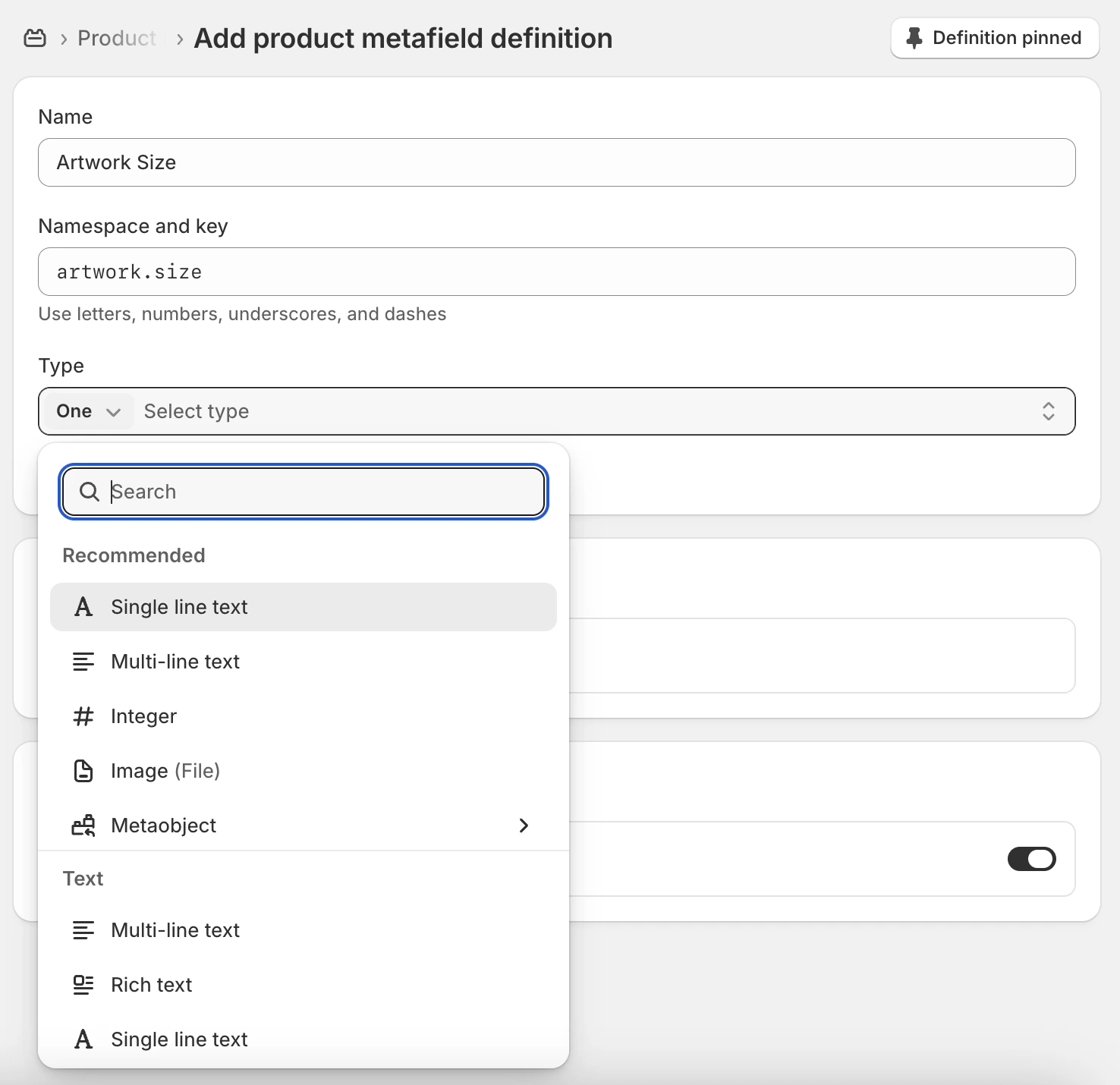
2. Set artwork size for each product
Return to a product page in Shopify admin, scroll down to the Metafields section and you should be able to type in your artwork size like below: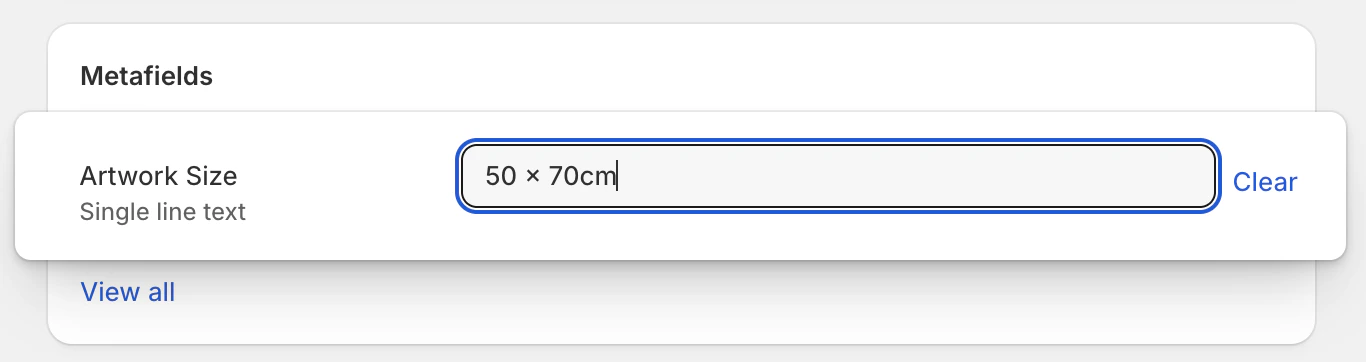
Frame Up Support
Our support team is ready to help! Click here to e-mail us with any questions
you have about Frame Up.