
Documentation Index

Fetch the complete documentation index at: https://docs.frameup.app/llms.txt

Use this file to discover all available pages before exploring further.

Choose a room

Click the thumbnail with the icon to open up the room selection panel. View in a room Here you can select from a range of rooms. If you’re using different artwork sizes (see size variants) we recommended checking each size to make sure it fits in the room.
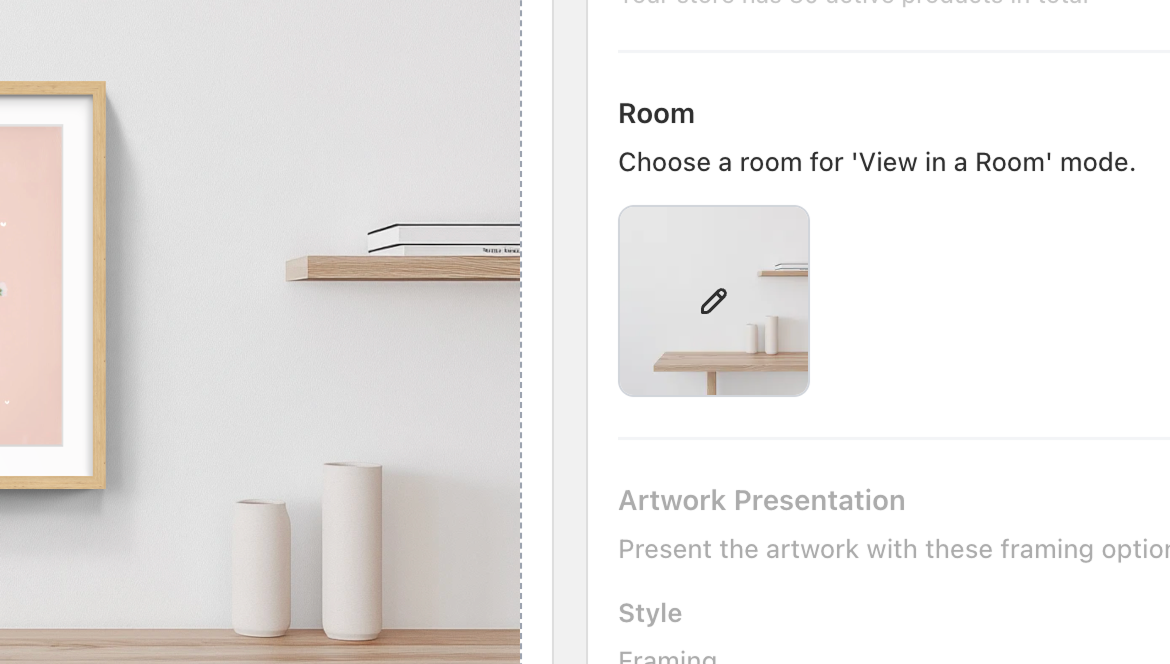
More room options are available on the Advanced and Plus tiers with custom rooms possible with the Plus tier
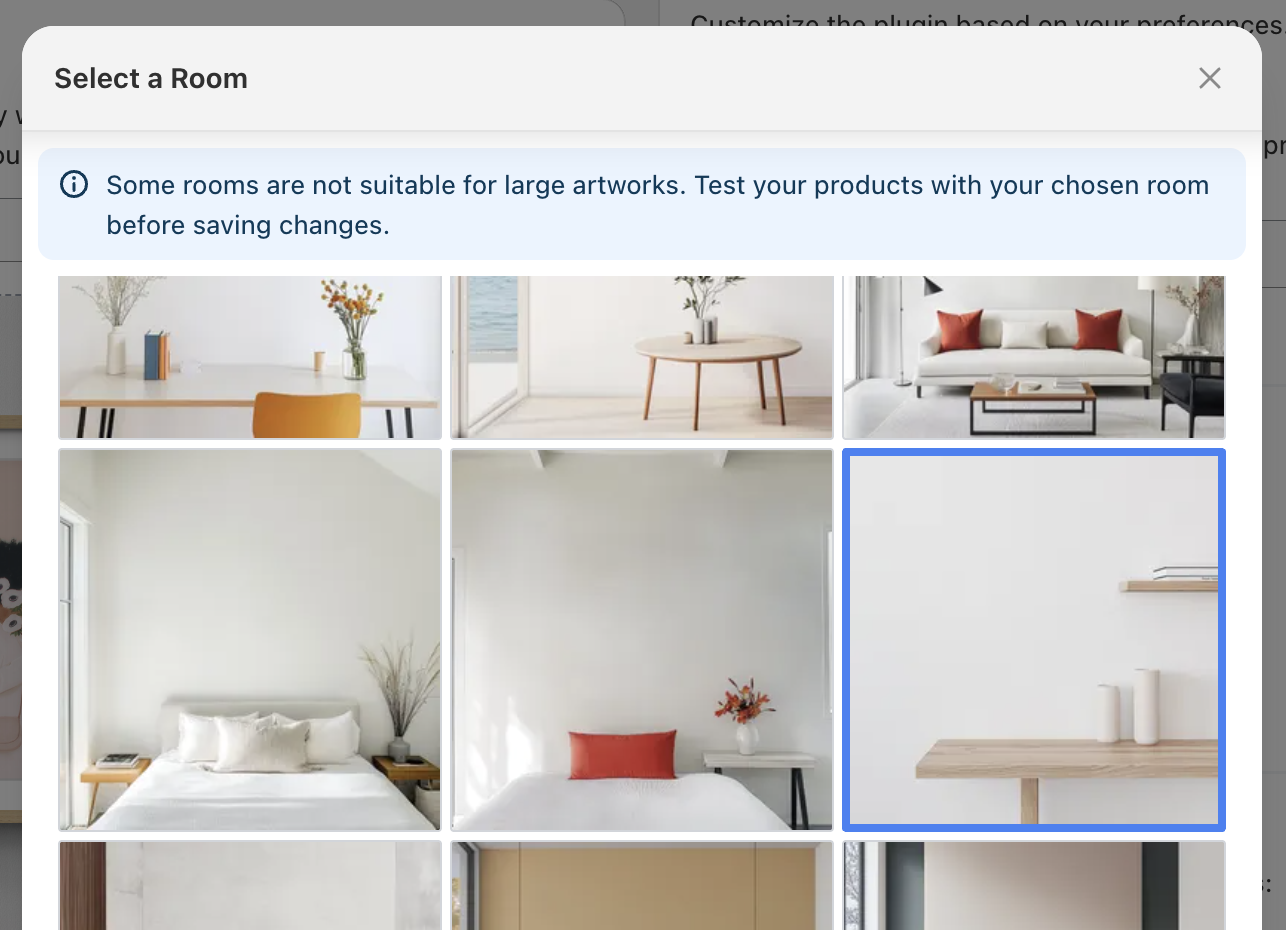
Choose a room

Next step

Next we’ll look at how to customise the framing of your artworks.

Customisation: Variants

Teach Frame Up how to interpret your size and framing variants