Exclude a product
Introduction
To turn off Frame Up for a whole group of products, use the product type filter.
To turn it off for individual products, use an “Exclude from Frame Up” metafield. An excluded product never shows the plugin, even if its product type matches your filter.
Create the metafield definition
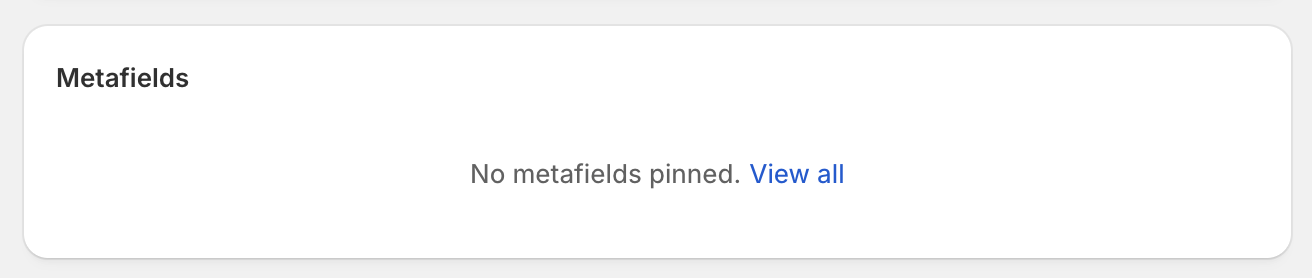
On a product page in the Shopify admin, scroll down to the “Metafields” section and click “View all”.
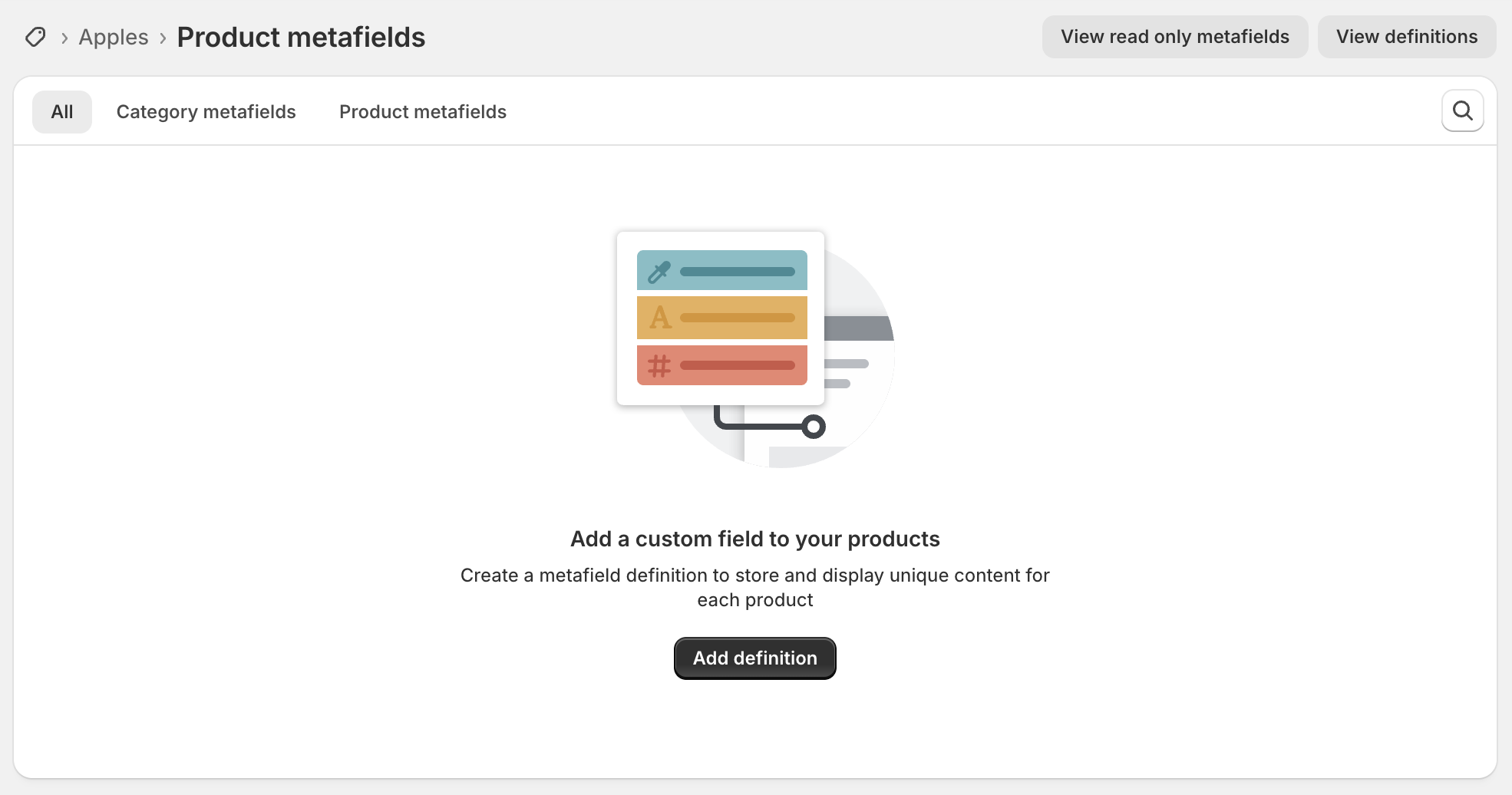
You should now see the product metafields for your store. Click “Add definition”:
For the name, type “Exclude from Frame Up”. Check that the namespace and key underneath read “custom.exclude_from_frame_up”. This must match exactly.
Set the type to “True or false”, then click “Save” at the top of the page.
Exclude a product
Return to the product page in the Shopify admin, scroll down to the Metafields section, set “Exclude from Frame Up” to “True”, and click “Save”.
To show the plugin on that product again, set it back to “False”.
Need help?
Our support team is ready to help. Email us with any questions you have about Frame Up.